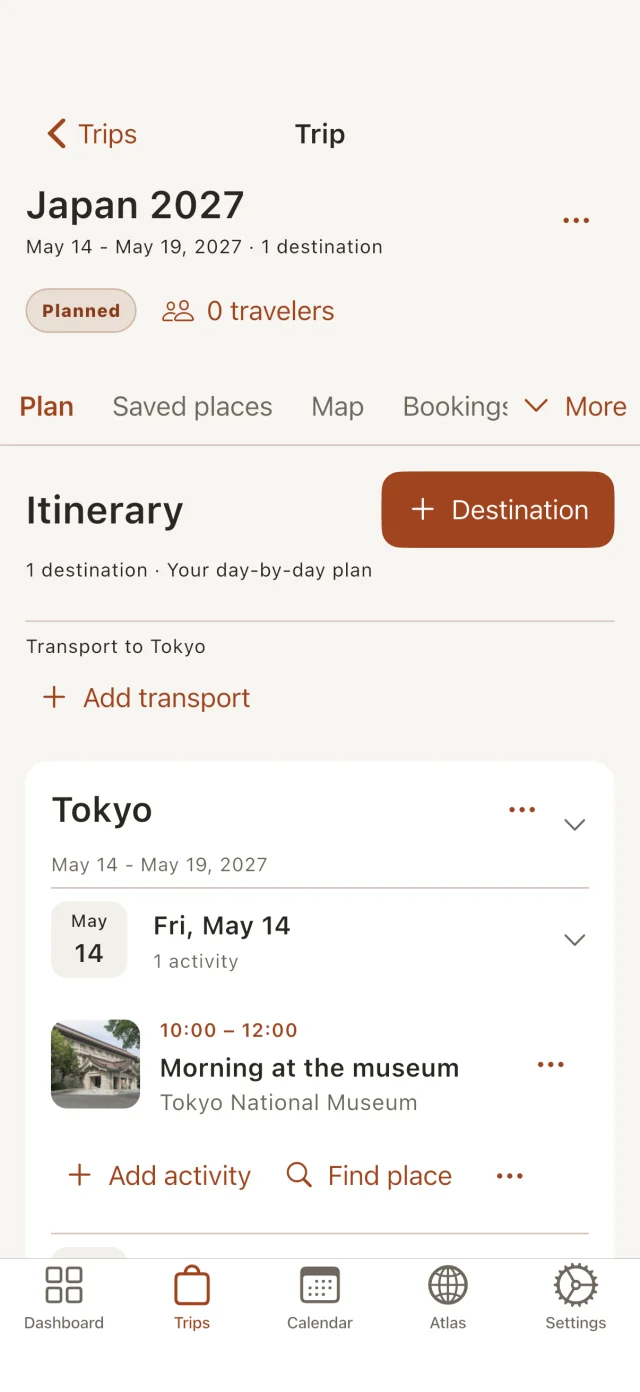
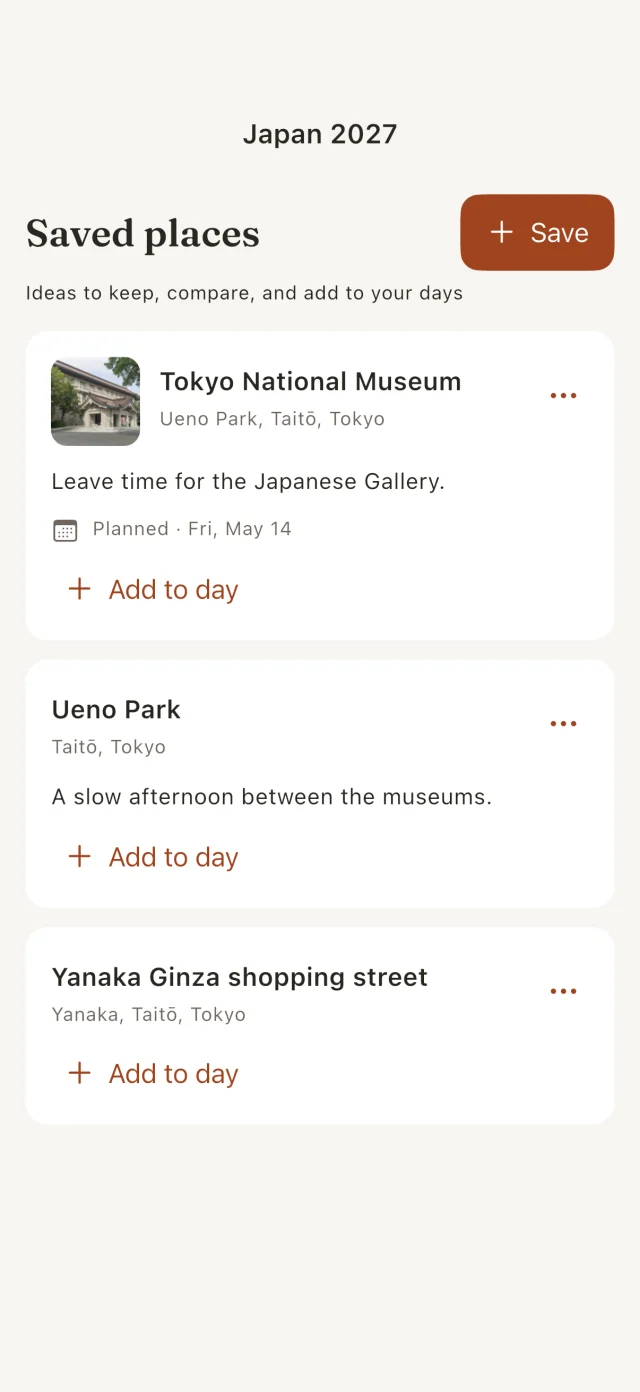
Plan your days
Arrange your stops and transport for each day. You can leave some plans open while you decide.
Use Tripable to plan each day and save the places you want to visit. Keep your bookings and expenses with the trip, whether you’re traveling alone or planning with others.
Add the places you want to visit to your itinerary. Your train booking and accommodation details stay with the plan, so you can find them when you need them.
Your itinerary, bookings, and expenses in one view.
12–19 June · 8 days · Example itinerary
ItineraryBookingsBudgetDocuments
Train to Lisbon
Porto → Lisbon · Booking saved
Check in
Accommodation · 2 nights
Explore the neighborhood
Saved places · Flexible plans
Give each day a plan and keep the information you’ll need along the way.
Arrange your stops and transport for each day. You can leave some plans open while you decide.
Keep places you’d like to visit and add them to your trip when you’re ready.
Find your transport and accommodation details in one place.
Save trip documents alongside your plans so you know where to find them.
Record what you spend, even in different currencies, and view the expenses for your trip.
Invite your travel companions to work on the plan with you.
Follow your own route.
Save the places that interest you and work out how to get between them. Keep the details in your trip and adjust the plan as you go.
City breaks · Backpacking · Multi-city adventures
Make a plan together.
Invite your partner, friends, or family to help with the itinerary. Everyone can use the same trip to find the plans you’ve made together.
Couples · Friends · Family trips
Connect a compatible AI assistant through the Model Context Protocol (MCP). Ask about a trip, look up a place, or add a stop to your itinerary without leaving the conversation.
Add Tripable as a remote MCP server in your assistant using the URL below. Sign in to Tripable and approve the connection when prompted.
https://api.tripable.net/mcp/tripableYou can disconnect your assistant anytime under Settings → Connections.
“Add a visit to the Tokyo National Museum at 10 AM on May 14 in my Japan trip.”
Example itinerary update
Tokyo National Museum
May 14 · Tokyo
Check what’s next, find your bookings, and pull up your saved places with Tripable on your phone.
Open trips you’ve already loaded, even without a connection.
Android betaChoose where you want to go, then start adding your plans in Tripable.